
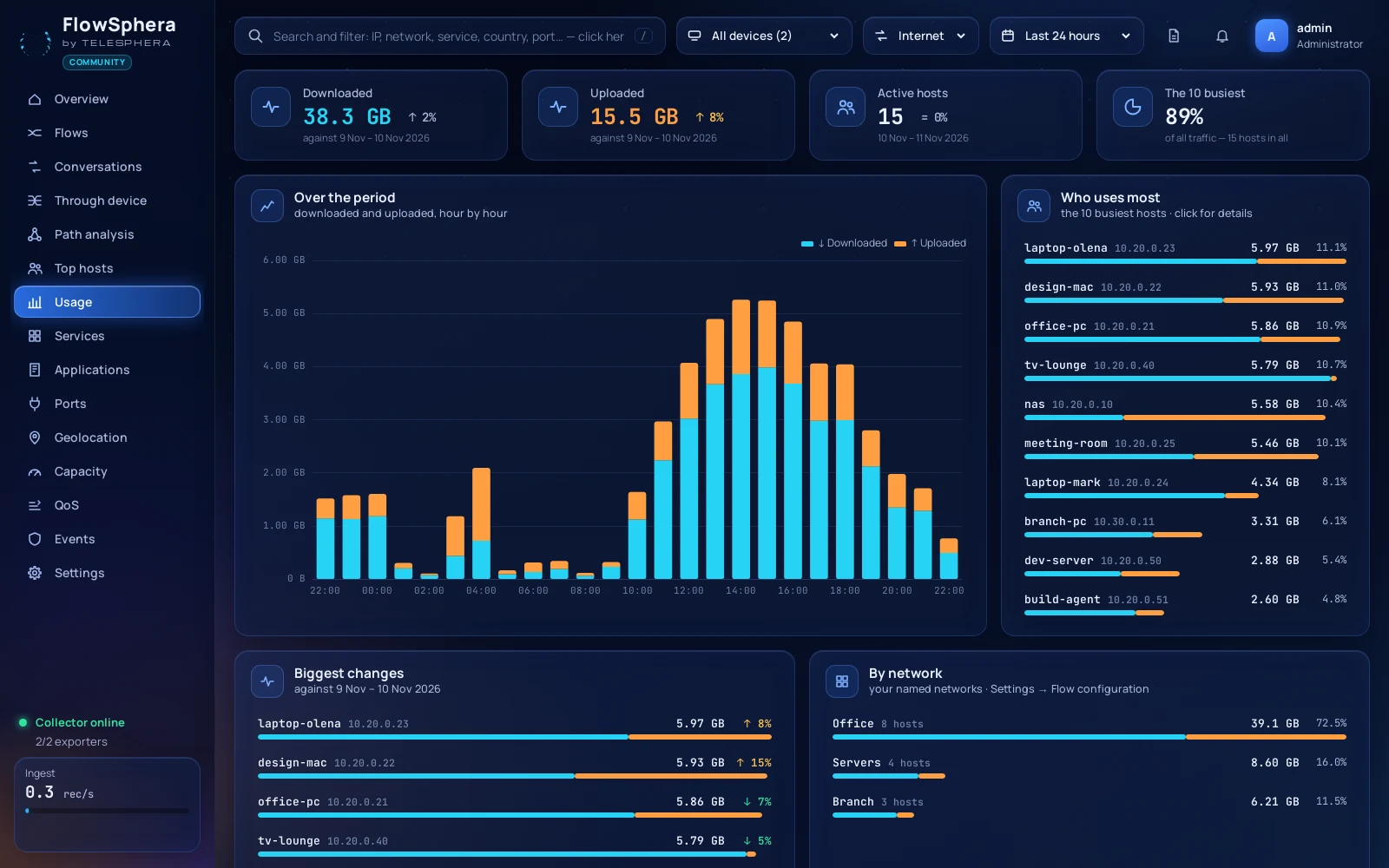
Usage answers the question every network gets sooner or later: who used how much? For the period at the top — an hour, a day, a month or your own dates — it shows what was downloaded and uploaded, against the same time before.
1. Choose the period
Use the period at the top of the page like on every other page: Last 24 hours, 7 days, 30 days, or your own dates down to the minute. The cards compare it with the same length of time just before.
2. Read who uses most
Who uses most lists the ten busiest hosts with their share; a click opens the host. Biggest changes shows who grew or dropped against the period before. By network splits the traffic by your named networks (see Top hosts and networks).
3. Narrow it down
Filters work here too: net:Office for one network, device:edge-fw for one site, service:YouTube for one service.
4. Download the full list
Download CSV gives every host of the period with its download, upload and total — open it in Excel, or use it for billing tenants or departments.
Questions
Can I get the usage of every host of a network automatically?
Yes: the API returns it as JSON or CSV for any period — see API tokens in the Administration guides.
Does Usage count traffic between inside hosts?
Choose Internal or All at the top of the page; by default it counts traffic to and from the internet.