
What you see
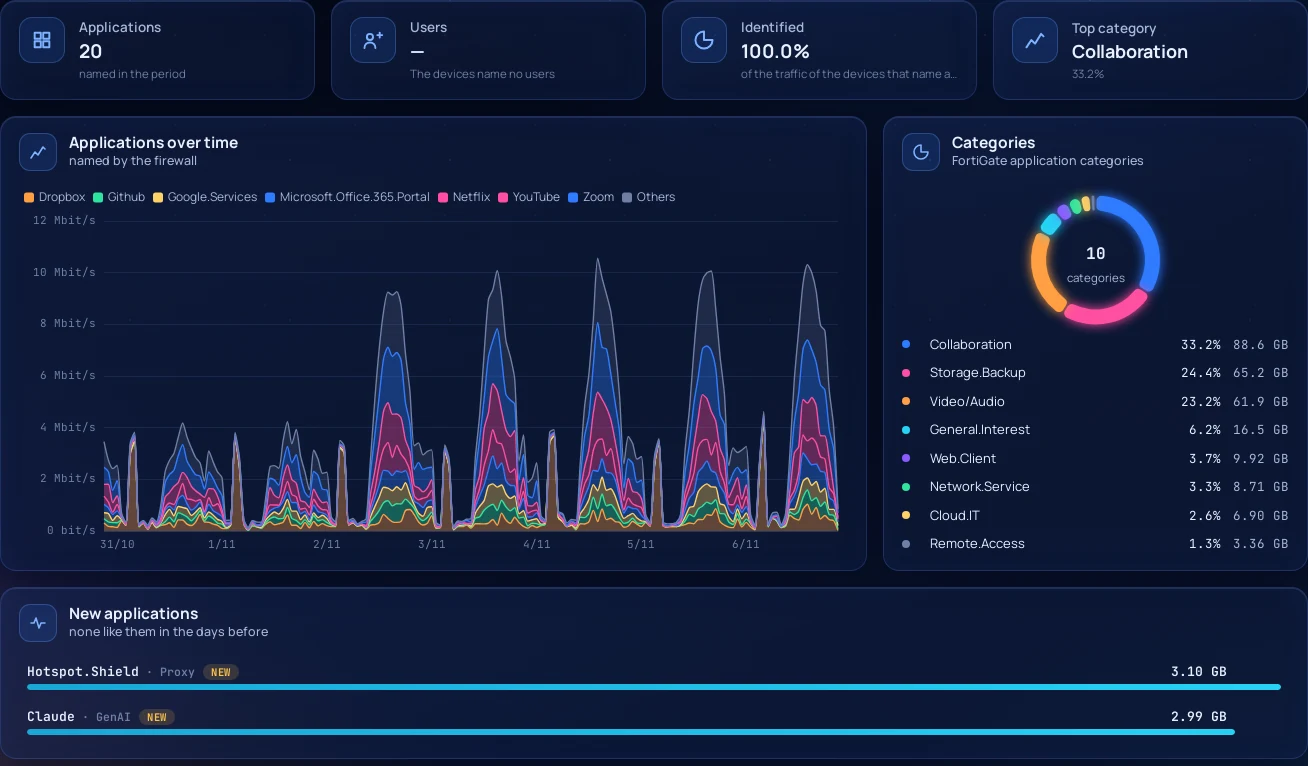
Applications by name. With Application Control in the policies, FlowSphera shows FortiGate application names with their categories instead of port numbers, and the share of traffic the firewall has identified.
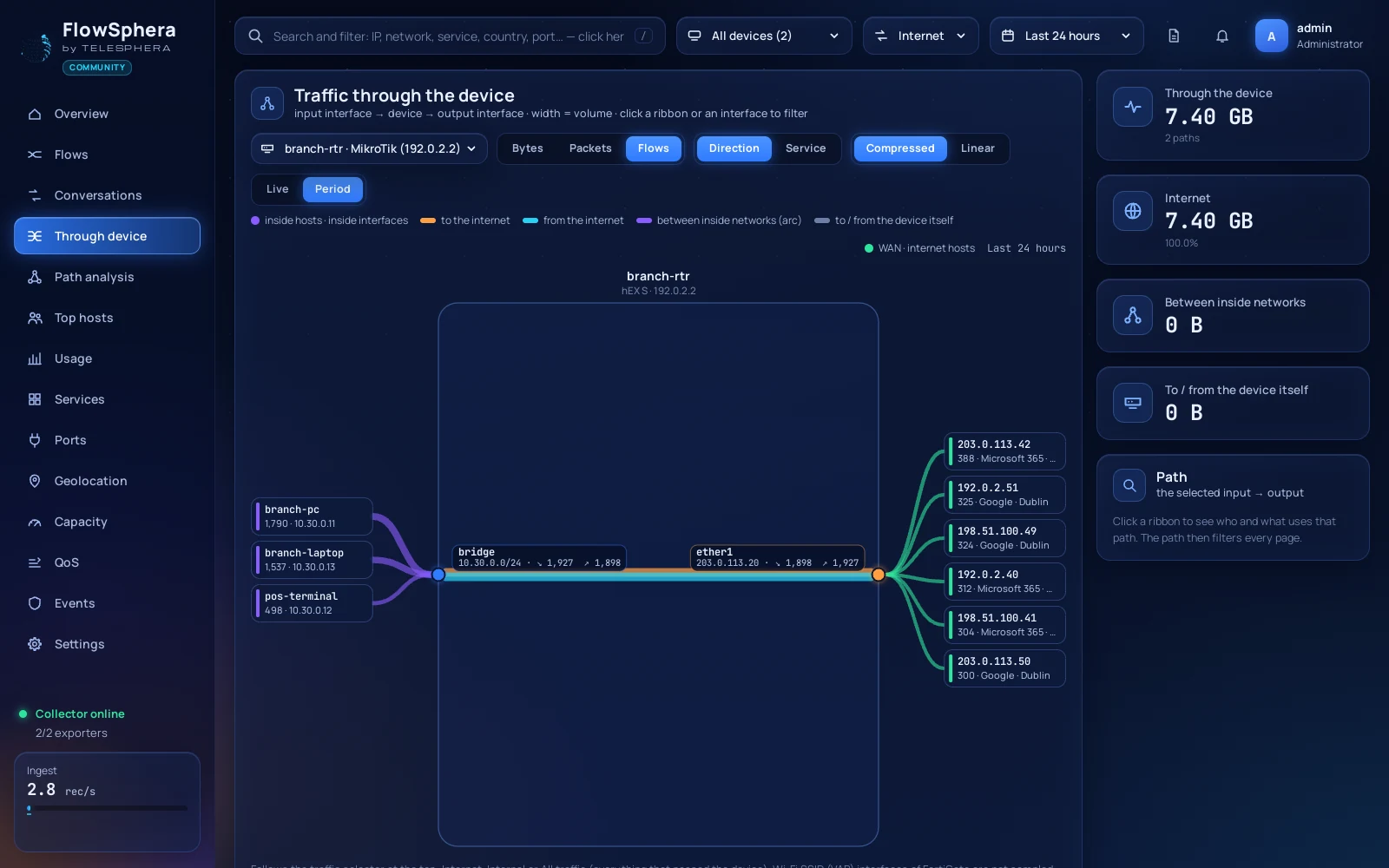
Traffic through the device. The FortiGate as a box: input interface to output interface, with the hosts behind each interface.
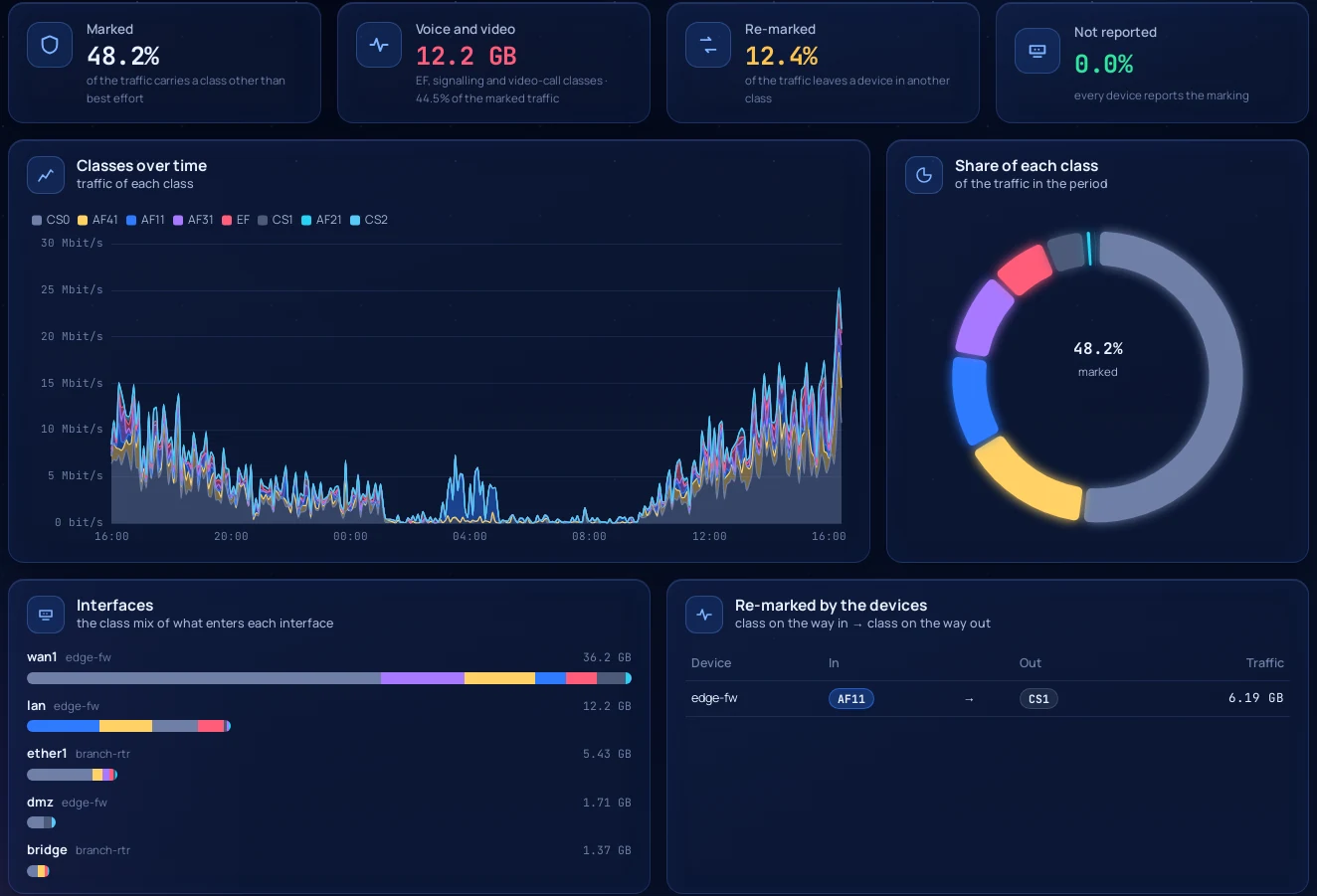
Traffic classes. FlowSphera shows the DSCP class mix of each interface and what the firewall re-marks on the way through.
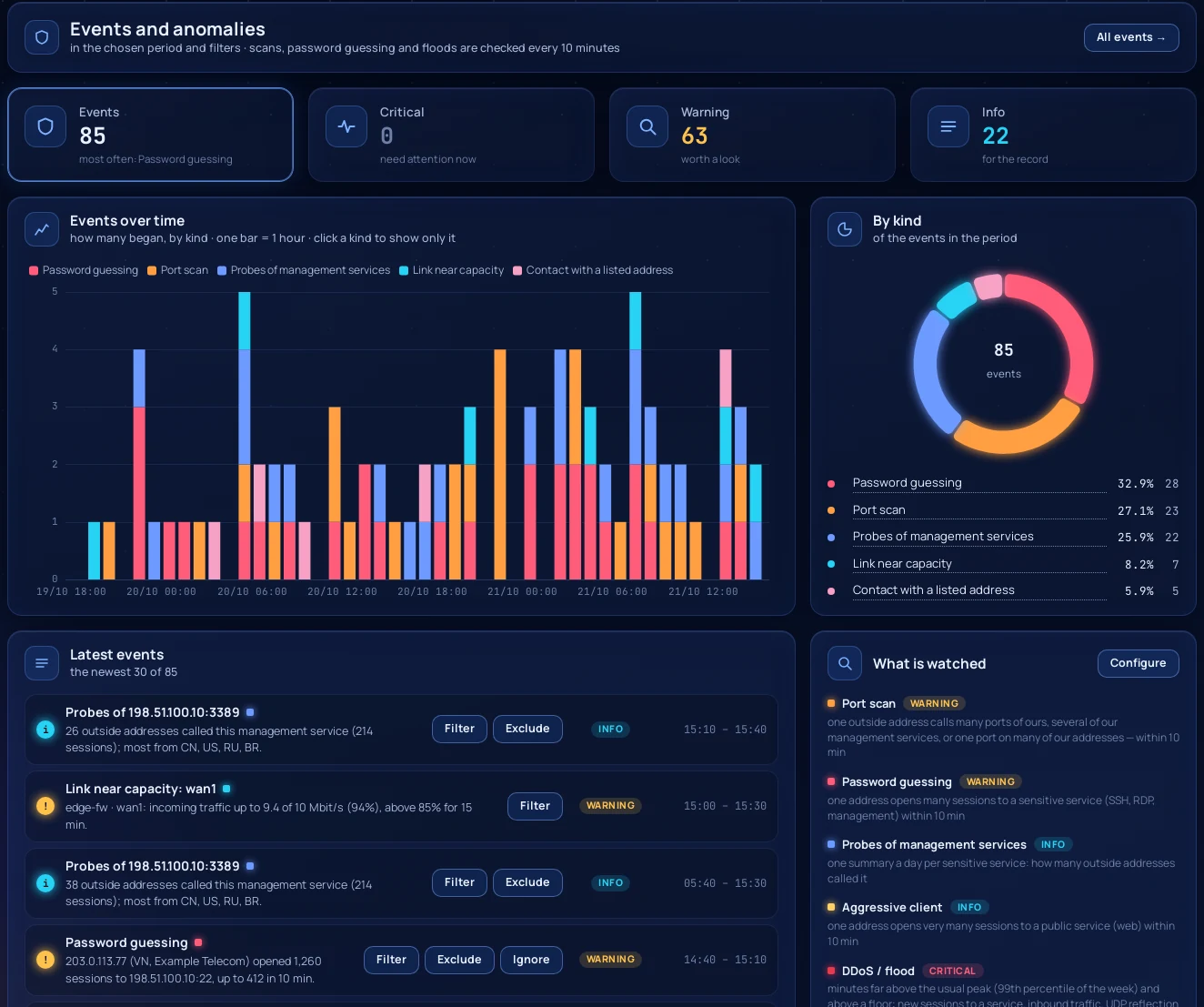
Security events. Port scans, password guessing, floods, contact with known malicious addresses and links running full, with alerts to Telegram, e-mail, webhooks and your SIEM.
How to set it up
- Install FlowSphera on a Linux server with one command.
- On the FortiGate, define the NetFlow collector and set
netflow-sampler bothon the interfaces you want to see. - Open the web interface; the FortiGate appears as soon as its records arrive.
The commands, with every step explained, are in the FortiGate NetFlow guide.
What to know
Wi-Fi SSID interfaces cannot be sampled on a FortiGate, so traffic between two SSIDs is not visible; traffic between an SSID and a sampled interface is. FortiOS exports sessions created after the sampler was switched on.
Questions
Do I need FortiAnalyzer or a mirror port to see traffic?
No. A FortiGate exports NetFlow itself. You switch it on in the CLI and point it at the FlowSphera server; there is nothing to install on the firewall.
Which FortiOS versions work?
The documentation and the guide target FortiOS 7.x, and the setup is checked on FortiOS 7.4.12.
Can I see applications by name?
Yes. With Application Control in the firewall policies, FortiOS sends the application id with every record and the names with their categories; FlowSphera shows both.
What does it cost?
Community is free for up to 5,000 records per second and 30 days of history, with every feature. A Pro license raises the limits.