
1. Services — for every device
Services names the traffic by where it goes: Zoom, YouTube, Microsoft 365, Dropbox, Amazon AWS… recognised from the owner of the address and the port, so it works with every router, firewall or switch. The page shows the services over time, a table with download, upload, total and how many hosts use each, and the protocols (HTTPS, QUIC, DNS…).
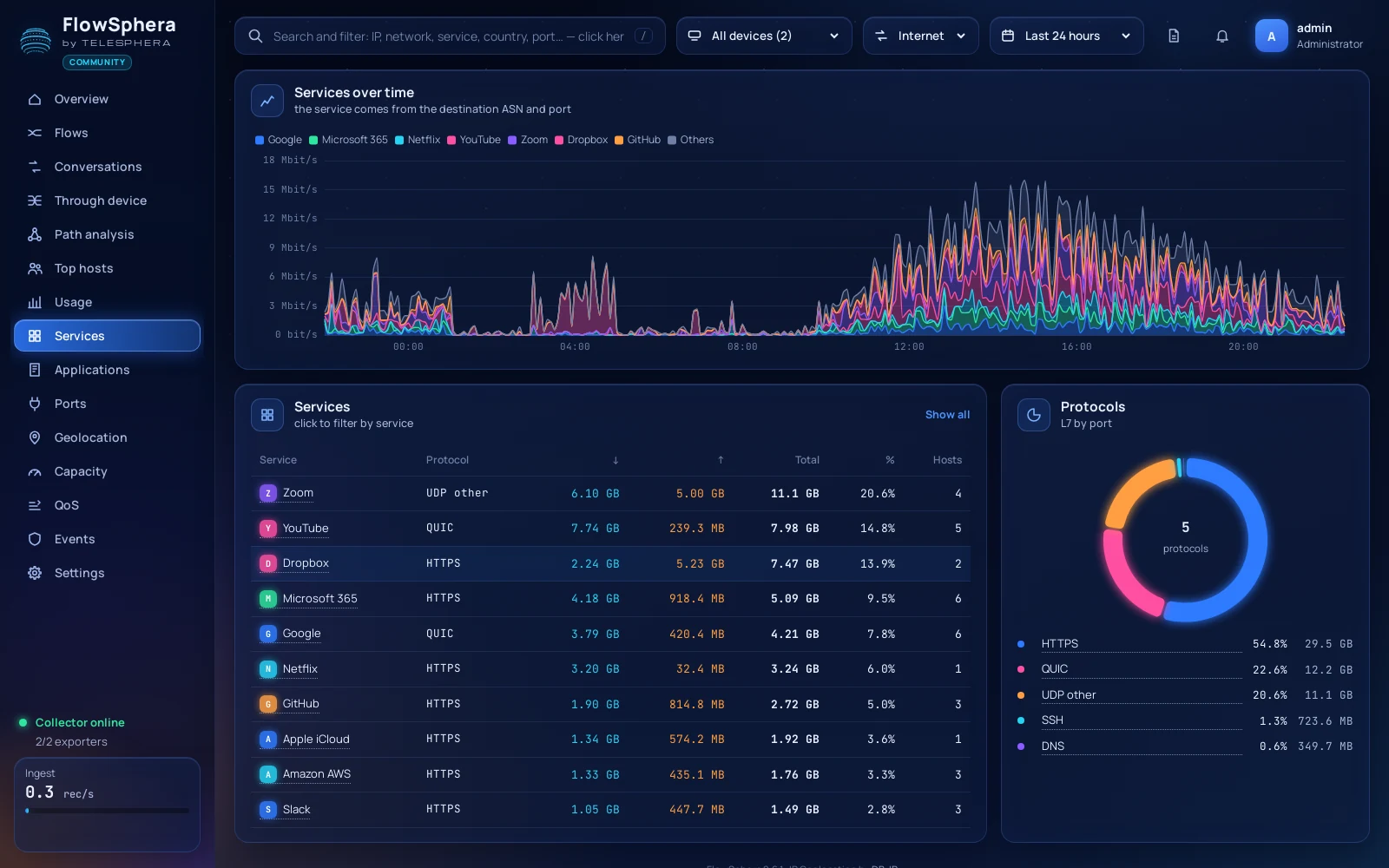
A click on a service filters every page by it (service:Zoom).
2. Applications — when your firewall names them
FortiGate with Application Control and Palo Alto with PAN-OS Field Types know what each session really is — Microsoft 365, SSH, a VPN proxy, a new AI service — and Palo Alto also who opened it. As soon as a device sends application names, Applications appears in the menu.
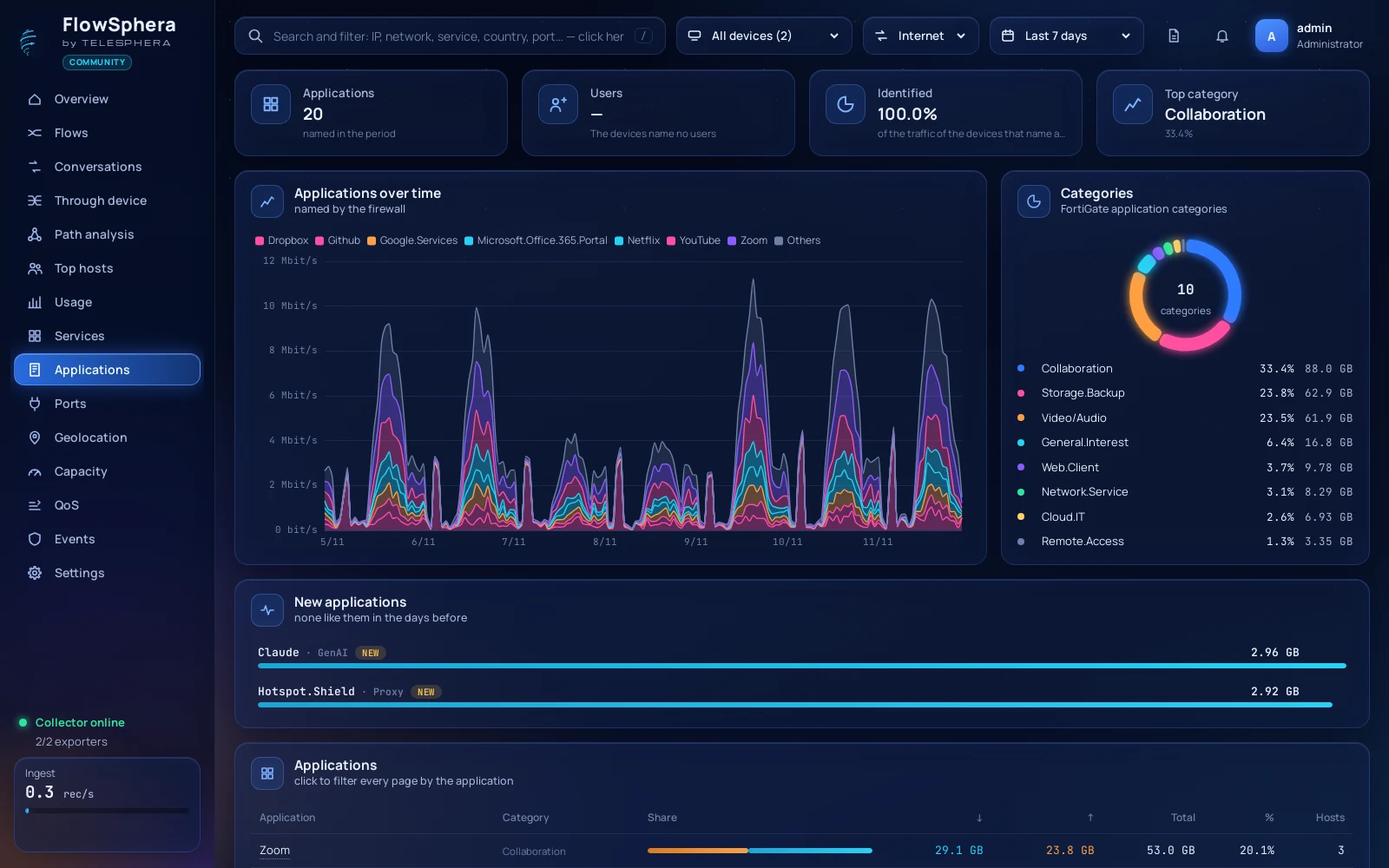
The page shows the applications over time, their categories, the users (Palo Alto User-ID) and the new
applications — those not seen in the days before: a proxy installed on a laptop or a new AI service is visible the same
day. app: and user: filter every page.
3. Switch application names on
- FortiGate: Application Control in the firewall policies (a profile, even monitor-only) — FortiOS then exports the application of each session; see Connect a FortiGate.
- Palo Alto: tick PAN-OS Field Types in the NetFlow server profile.
Questions
Why do some services show as an address owner?
A service is named when its owner and port identify it; the rest show the owner of the address (the ASN name), which still tells where the traffic goes.
Does MikroTik send application names?
No — RouterOS Traffic Flow has no application field. Services work for MikroTik as for every device.