
You need a MikroTik running RouterOS 7 and a Linux server that the router can reach over UDP. The server runs the collector and the web interface; the router only sends NetFlow.
1. Install the NetFlow analyzer
On the Linux server (Debian, Ubuntu, Fedora, RHEL, Rocky or Alma; x86_64 or arm64):
curl -fsSL https://raw.githubusercontent.com/telesphera/flowsphera/main/install.sh | sudo bashThe installer asks a few questions with defaults and finishes by printing the web address and the router configuration with your addresses filled in. The listening port for NetFlow is 2055 unless it is busy.
2. Enable Traffic Flow on the router
/ip traffic-flow set enabled=yes interfaces=all active-flow-timeout=1minterfaces=all reports every interface; list the ones you want instead if you prefer. active-flow-timeout=1m makes long sessions appear within a minute instead of waiting for the default timeout.
3. Add FlowSphera as the target
Replace <COLLECTOR_IP> with the address of the server that runs FlowSphera:
/ip traffic-flow target add dst-address=<COLLECTOR_IP> port=2055 version=9To see what is configured on the router:
/ip traffic-flow print
/ip traffic-flow target print
4. Check that the router appears
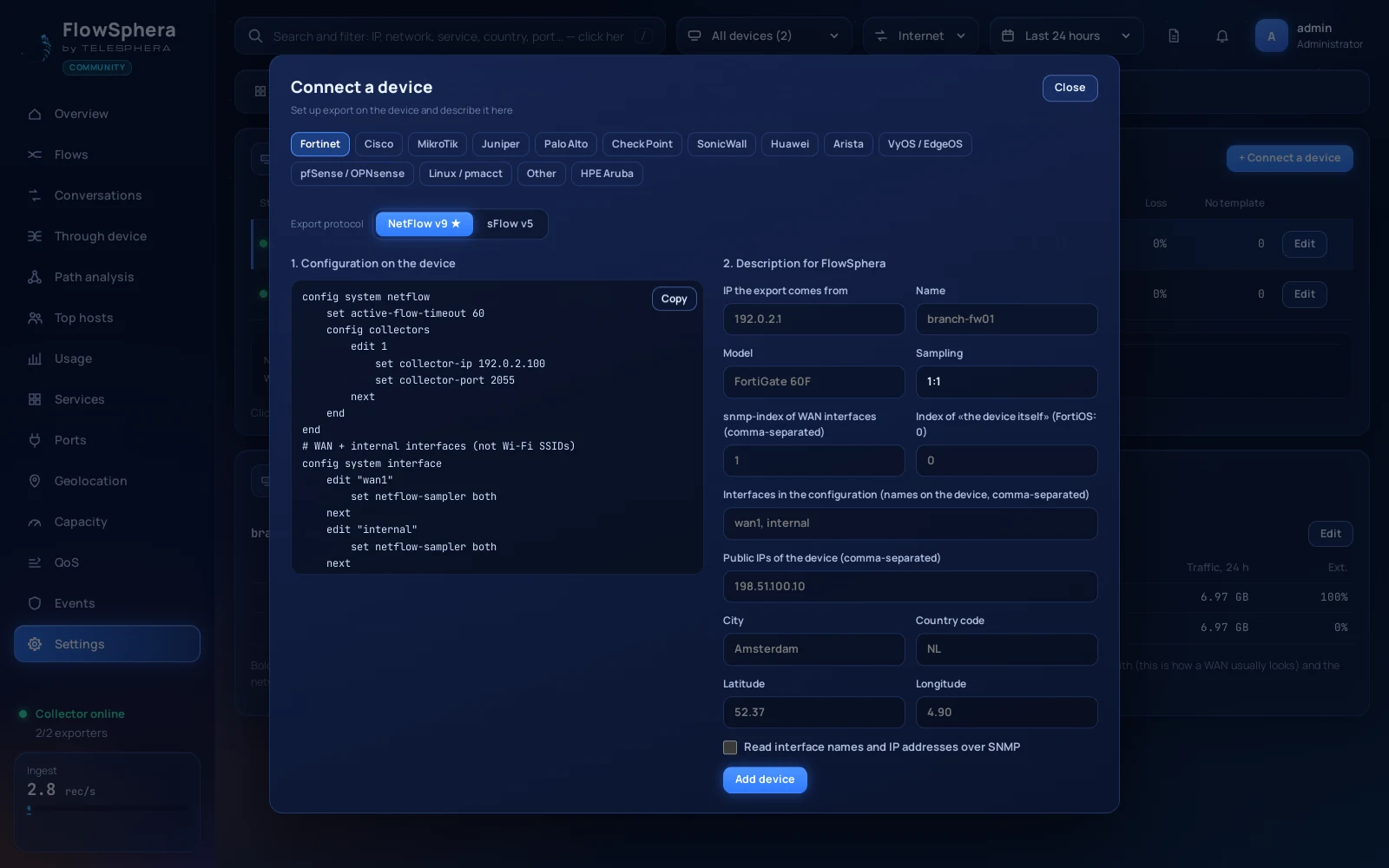
Open the FlowSphera web address and sign in. The router shows up under Settings → Devices as soon as its first records arrive, and the overview starts filling within a minute. NetFlow v9 records can only be decoded after the device has sent its template; if the list stays empty, wait a few minutes before looking for a fault.
Optional: interface names over SNMP
Tick Read interface names and IP addresses over SNMP in the device dialog and FlowSphera labels interfaces by name. Two RouterOS details:
- SNMPv3 on RouterOS supports only MD5 or SHA1 authentication and DES or AES-128 privacy. Choose those in the dialog.
- If the FlowSphera server reaches the router through a tunnel, the default firewall may drop UDP 161 arriving over it. Allow it from the server's address:
/ip firewall filter add chain=input protocol=udp dst-port=161 src-address=<COLLECTOR_IP> action=accept place-before=0
If nothing arrives
- Can the router reach the server on UDP 2055? Allow the port in the server's firewall (the installer can do it for ufw and firewalld).
- Is
/ip traffic-flowenabled, and is the target's address the server's? - Does the interface you care about appear in
interfaces=?
Questions
What is Traffic Flow in MikroTik RouterOS?
Traffic Flow is RouterOS’s NetFlow exporter. It reports the connections passing through the router to a collector such as FlowSphera.
Which NetFlow version should I choose?
This guide uses version 9, which FlowSphera reads together with IPFIX, NetFlow v5 and sFlow.
Can RouterOS 7 send NetFlow to a server behind a tunnel?
Yes. Point the target at the server’s address; the flows travel inside the tunnel like any other traffic.
What you can see now
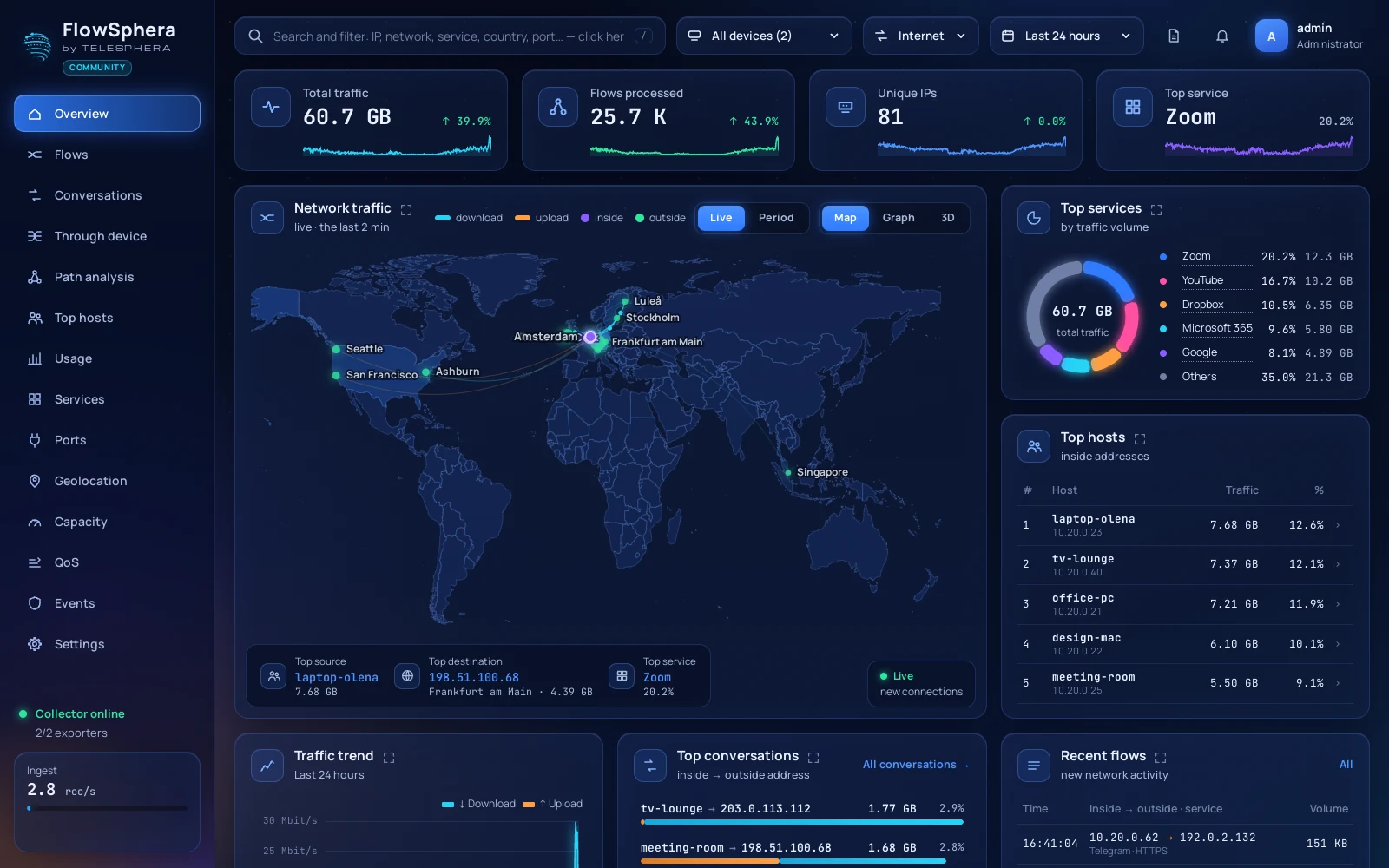
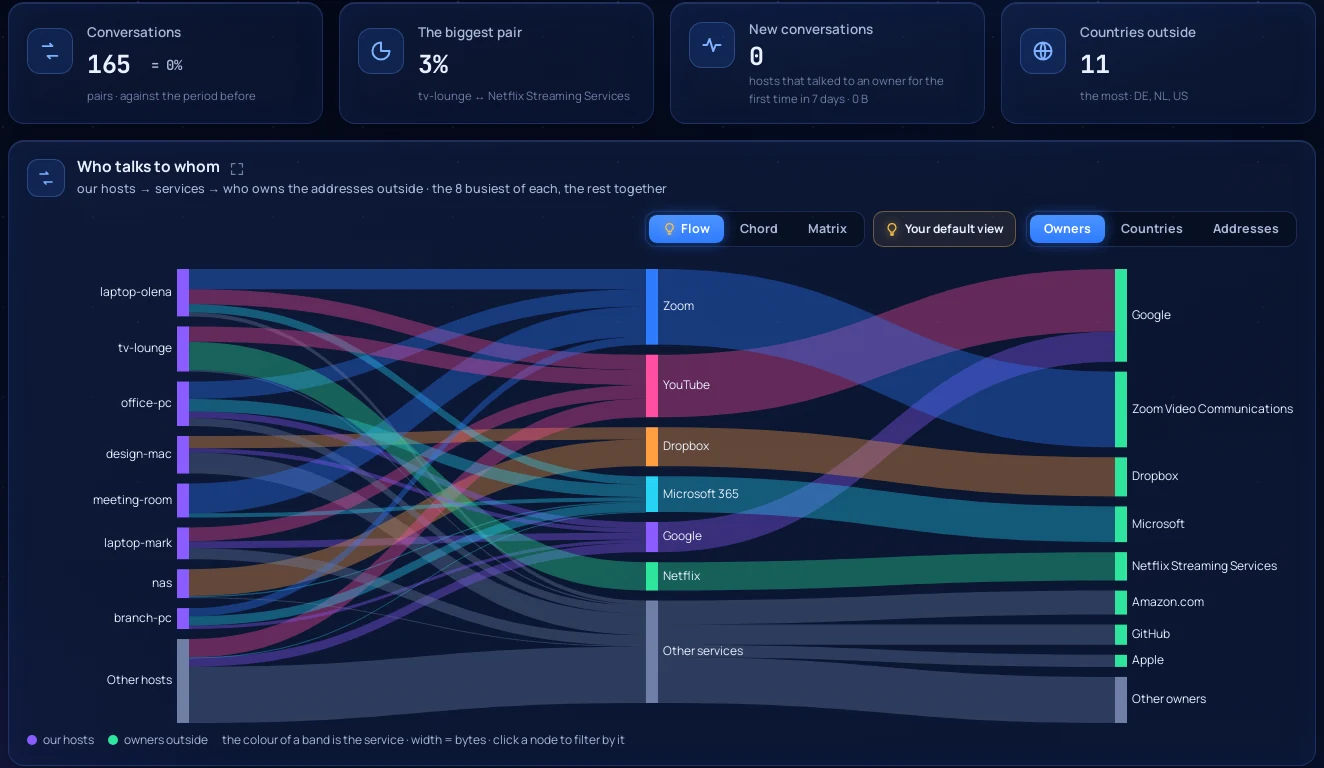
With flows arriving, FlowSphera shows live connections on a map, who talks to whom, traffic through each interface and security events with alerts to Telegram, e-mail, webhooks and your SIEM. The full configuration reference for MikroTik, FortiGate, Palo Alto and Cisco is in the exporter documentation.