
Every page of FlowSphera — the overview, top hosts, flows, conversations, the maps — answers for the filters in the search box at the top. Set them once and move between pages: the filters go with you.
1. Click the search box
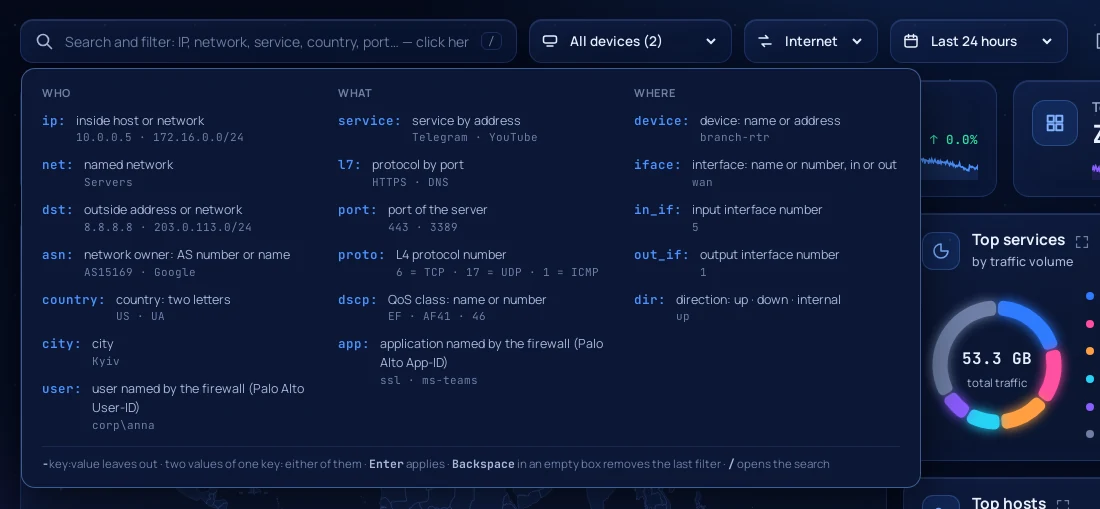
The search box shows its guide: every key it understands, grouped by who, what and where, each with an example.
2. Type part of a name
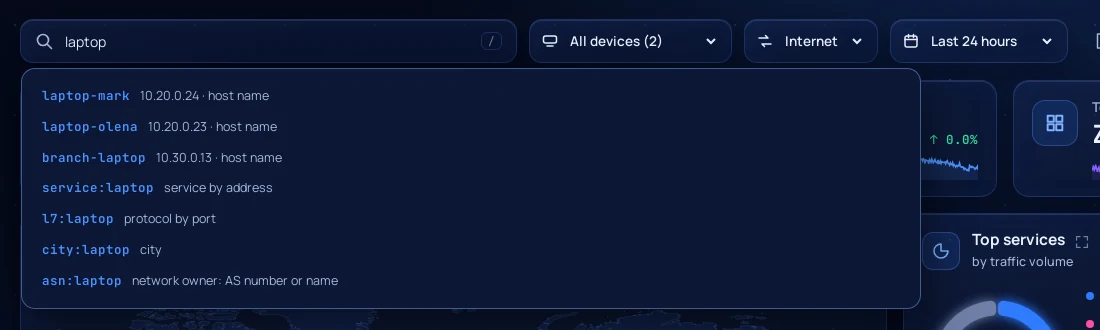
Type a few letters of a host's name. FlowSphera offers every host whose name holds them, with its address and where the name comes from — a name you gave it, a device's own address, or reverse DNS — and below them the other keys the word could mean.
3. Pick the host
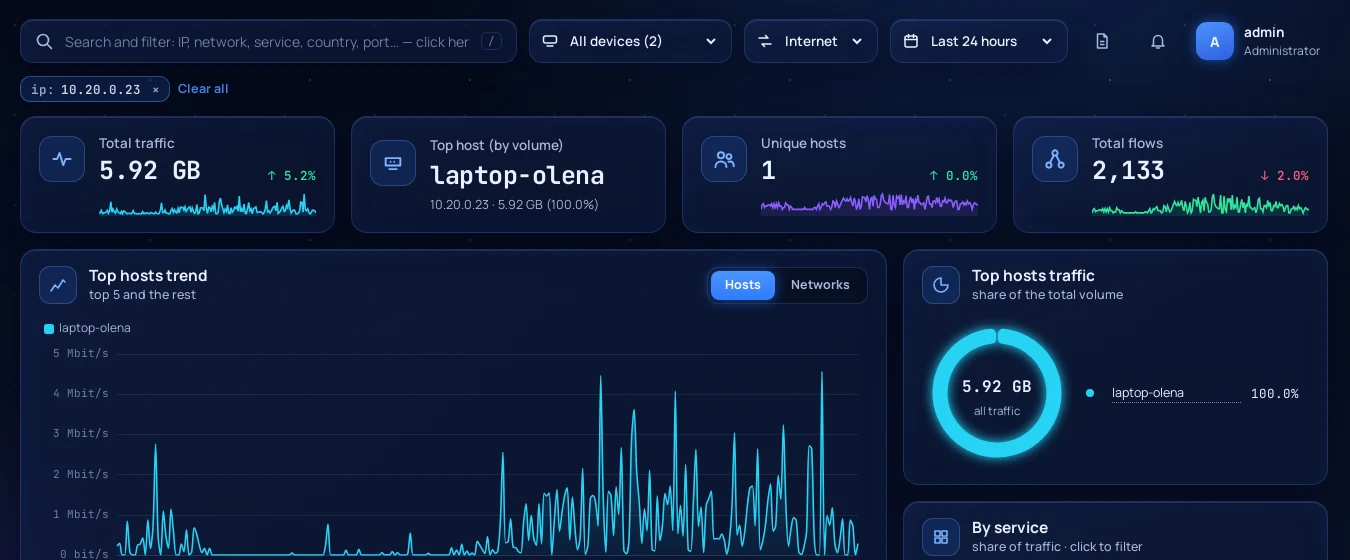
Click it, or press Enter. The filter appears as a chip under the search box and every page now shows only that host's traffic: the totals, the trend, its services, the countries it talks to.
4. Combine and leave out
- Several keys narrow together:
ip:10.20.0.23 service:YouTubeis that host's YouTube only. - Two values of one key mean either of them:
country:US country:DE. - A minus leaves something out:
-service:Windows Update. - A network works where an address does:
ip:10.20.0.0/24,dst:203.0.113.0/24. - Backspace in the empty box removes the last chip; Clear all removes every filter. Press
/anywhere to jump to the search box.
From the map
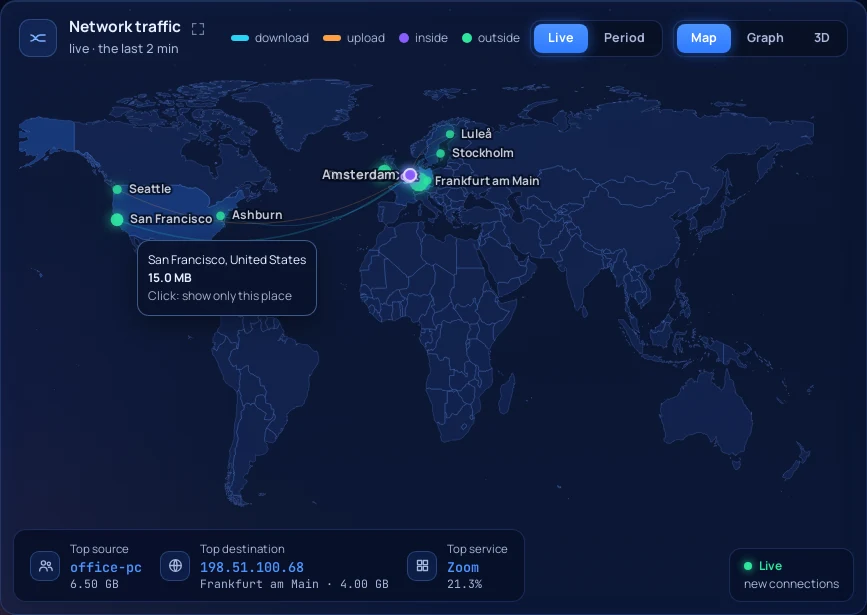
(2.12) A click on a city on the connection map or the 3D globe adds that city and its country to the filters: every page then shows only the traffic of that place.
Useful keys
| Key | Means | Example |
|---|---|---|
ip: | an inside host or network | ip:10.0.0.5 |
net: | a named network | net:Office |
dst: | an outside address or network | dst:8.8.8.8 |
service: | a service recognised by its address | service:Telegram |
country: | the outside end's country | country:UA |
port: | the server port | port:443 |
device: | one of your devices | device:fw-main |
iface: | an interface, by name or number | iface:wan1 |
Questions
Where do host names come from?
From the names you give hosts in Settings → Flow configuration → Hosts (one by one or as a CSV file), from your devices’ own addresses, and from reverse DNS. See the guide on host names from DNS.
Can I save a set of filters?
The filters are part of the page address: bookmark it or send the link to a colleague and it opens with the same filters and period.
Does the search work for public addresses?
Yes. Type an address, or use dst: for the outside end and asn: for the network that owns it, by number or name.