
FlowSphera 2.12.0 release notes
Lists that fill a wall screen, a city on the map as a filter, and the names from reverse DNS in sight and editable
FlowSphera 2.12.0 answers three requests from the MikroTik forum: lists made for a wall, the map as a filter, and the names from reverse DNS where you can see and change them.
Lists that fill a wall screen
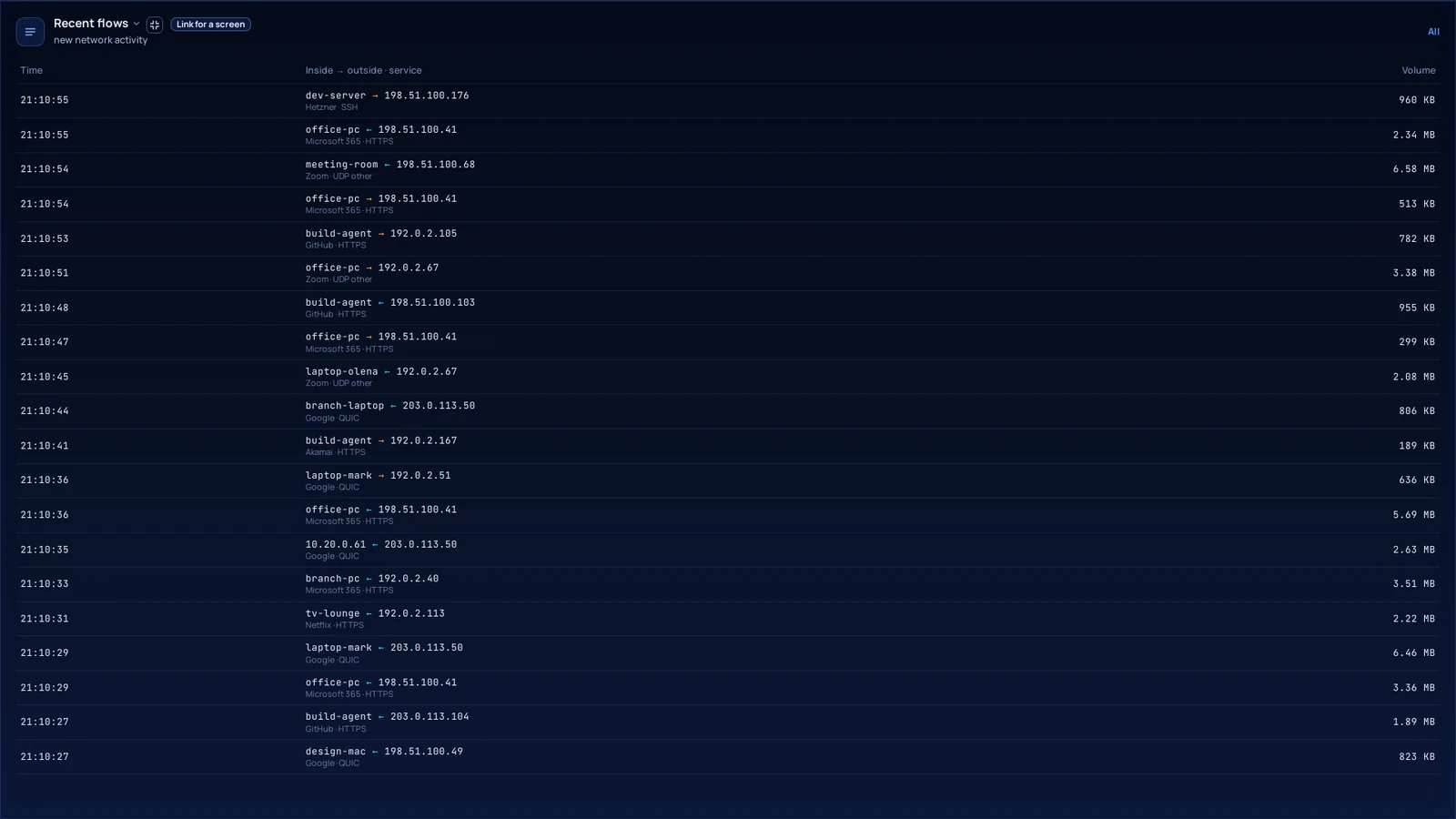
A list opened full screen used to show 20 rows and leave the rest of a big screen empty. Now Countries, Top hosts, Top conversations, Autonomous systems and Recent flows fill the screen's height with as many rows as fit — on a 1080p wall, a 4K screen or a laptop — with no scroll bar. Change the window's size and the list follows. The Link for a screen of such a panel opens it that way on a wall.
Click a city
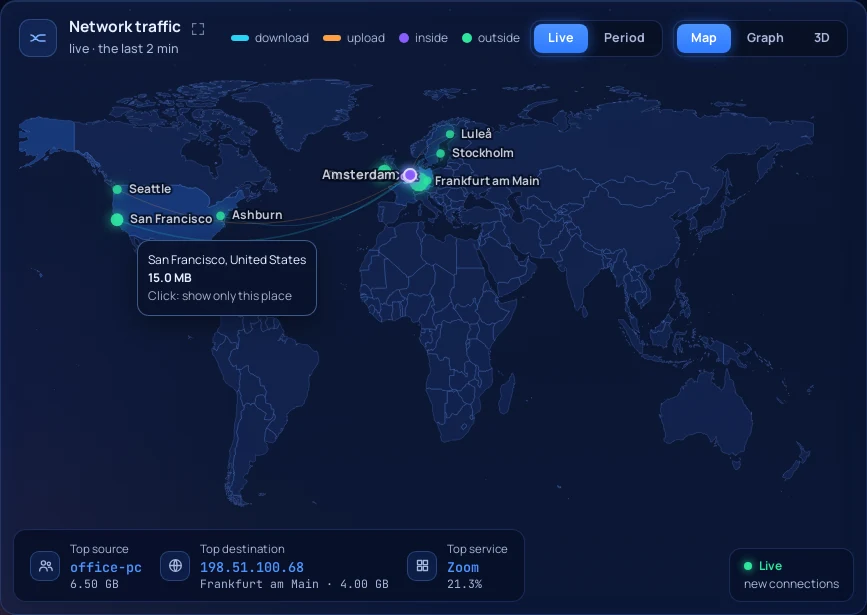
A click on a city on the connection map shows only that place's traffic on every page: the city goes into the filters together with its country, so Paris, France is never mixed with Paris, Texas. On the 3D globe the city names take the click too.
Names from DNS, in sight
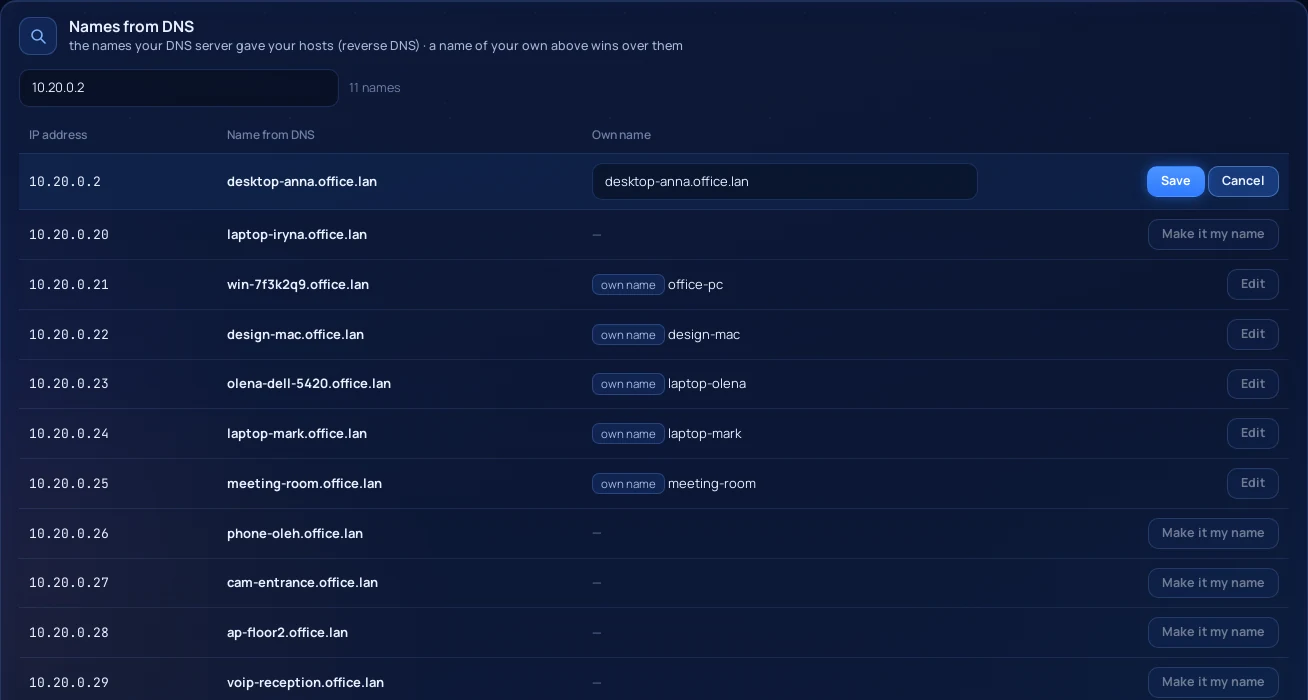
FlowSphera has asked your DNS server for the names of your inside hosts since 2.5. Now you can see them all in
Settings → Flow configuration → Names from DNS — searchable, next to the name you set yourself. When DNS calls a
laptop win-7f3k2q9, Make it my name turns it into a name of your own in one step, and that name wins on every
page, in the reports and in the notifications.
How to: host names from DNS · a wall screen · find a host.
Upgrade: Upgrade now in Settings → General → Updates, or sudo flowsphera upgrade. Settings and data are kept.