
FlowSphera 2.11.0 release notes
Choose the panels of the Overview, see new versions and upgrade from the web interface
FlowSphera 2.11.0 answers a NOC request from the MikroTik forum — your own Overview — and makes upgrades a matter of one button.
Your own Overview
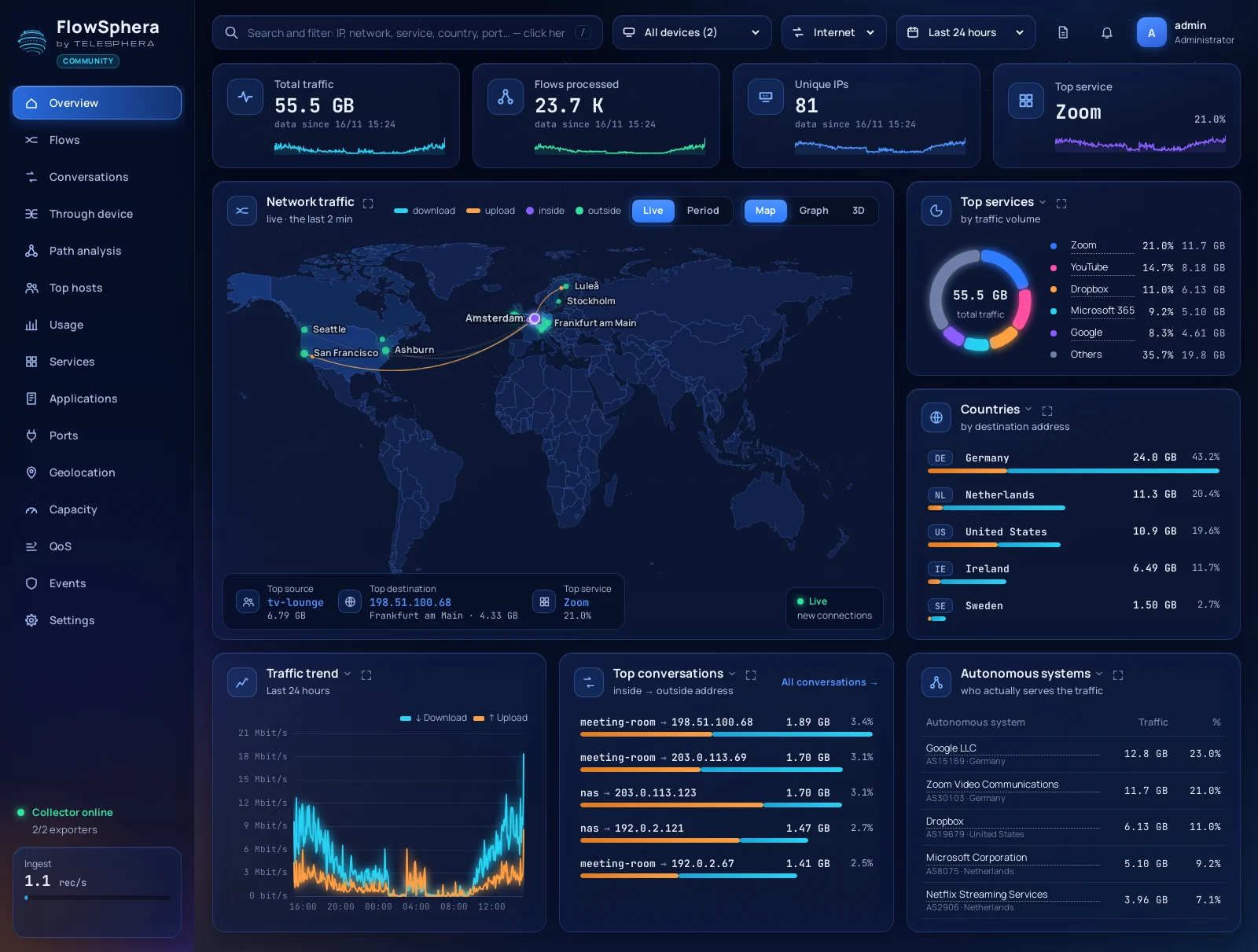
Click a panel's title and choose what it shows: Countries, Autonomous systems, the Traffic trend, Top conversations, Recent flows, Top services or Top hosts. How much goes to a country you do not expect is then one glance at the wall. The choice stays with your account and travels in the page link, so a kiosk screen shows the same panels whoever is signed in there.
New versions, one button
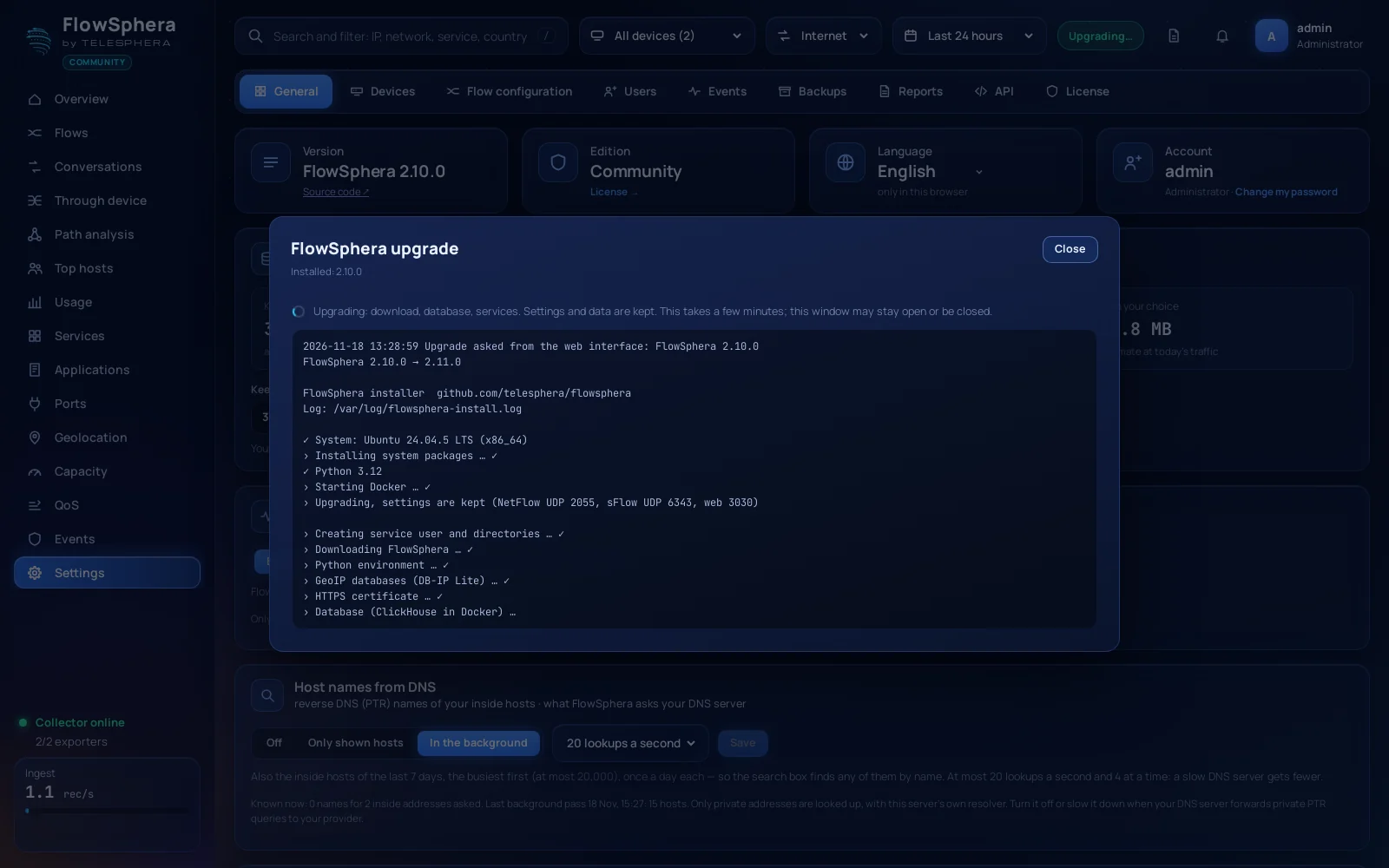
FlowSphera looks at the published version twice a day and tells an administrator 2.x.y available in the top bar. Upgrade now (Settings → General → Updates, confirmed with your password) runs the upgrade without a console and shows its log; the page follows the web interface through its restart. Only the version number is read — nothing about your server is sent — and the check can be turned off for an offline server.
How to: choose what the Overview shows · upgrade FlowSphera.
Upgrade: sudo flowsphera upgrade (settings and data are kept) — from 2.11.0 on, also from the web interface.